We remain fully operational. Our teams are working around the clock to ensure your deliveries continue safely.
DOWNLOAD THE APP


Customer Services
Copyright © 2025 Desertcart Holdings Limited
DOWNLOAD THE APP

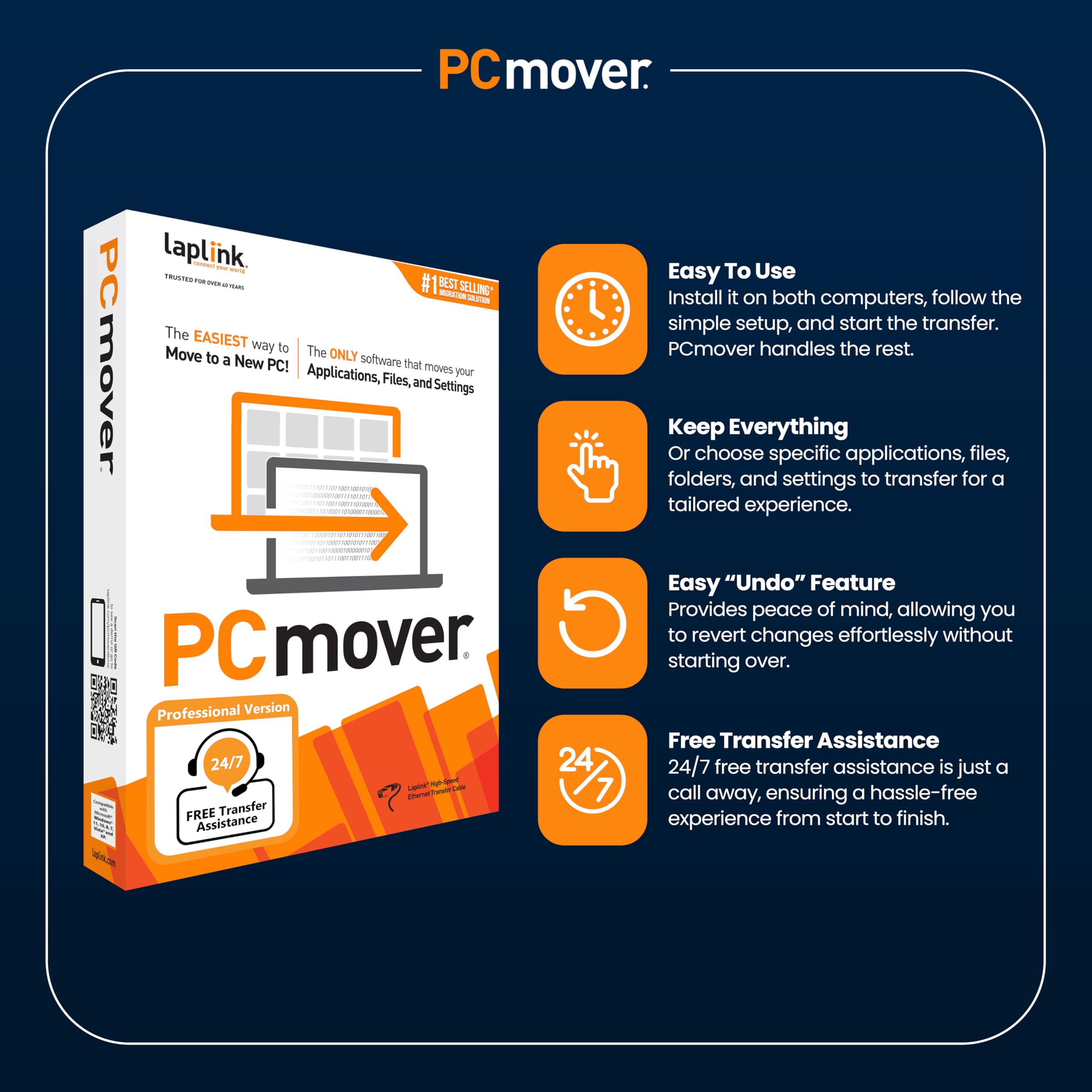
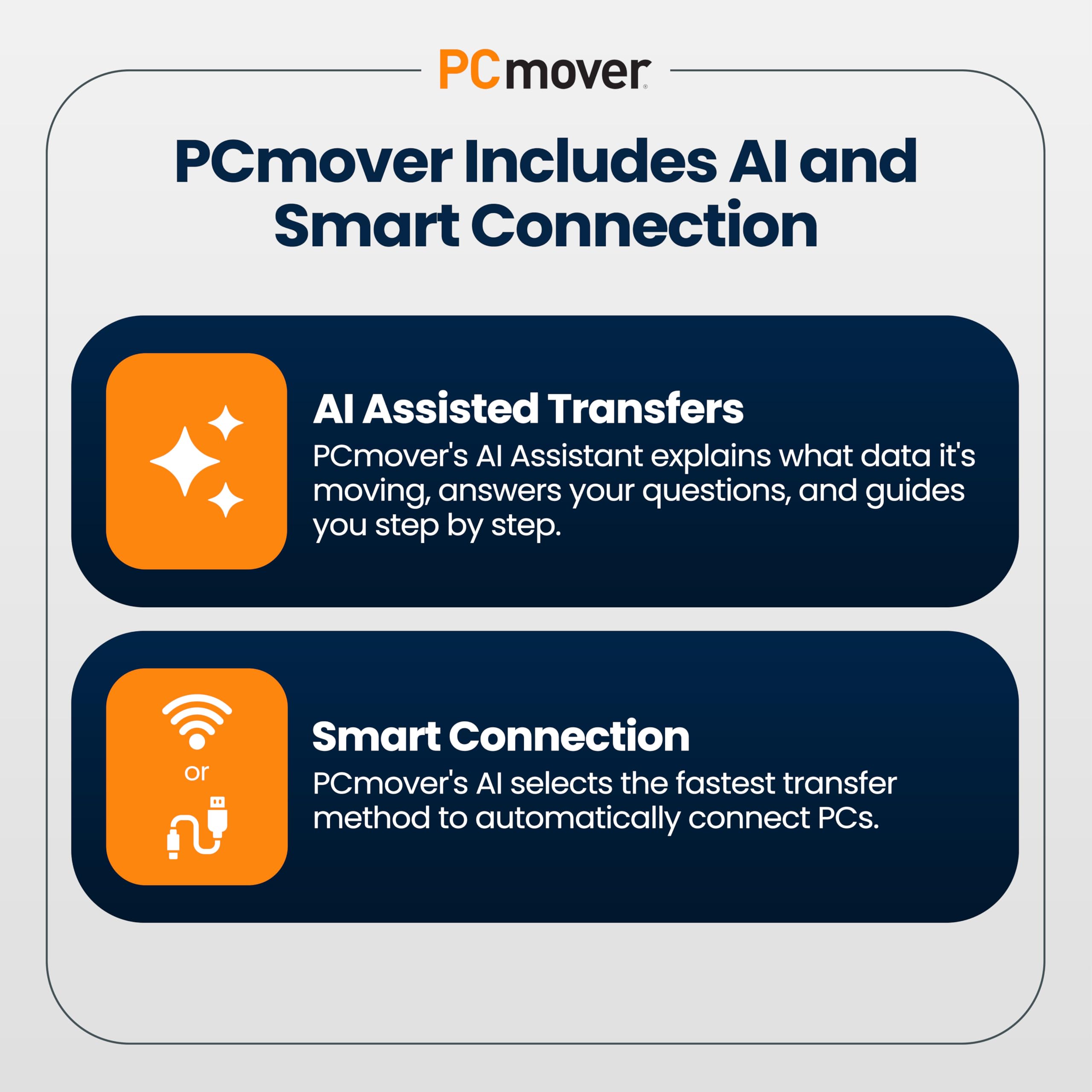
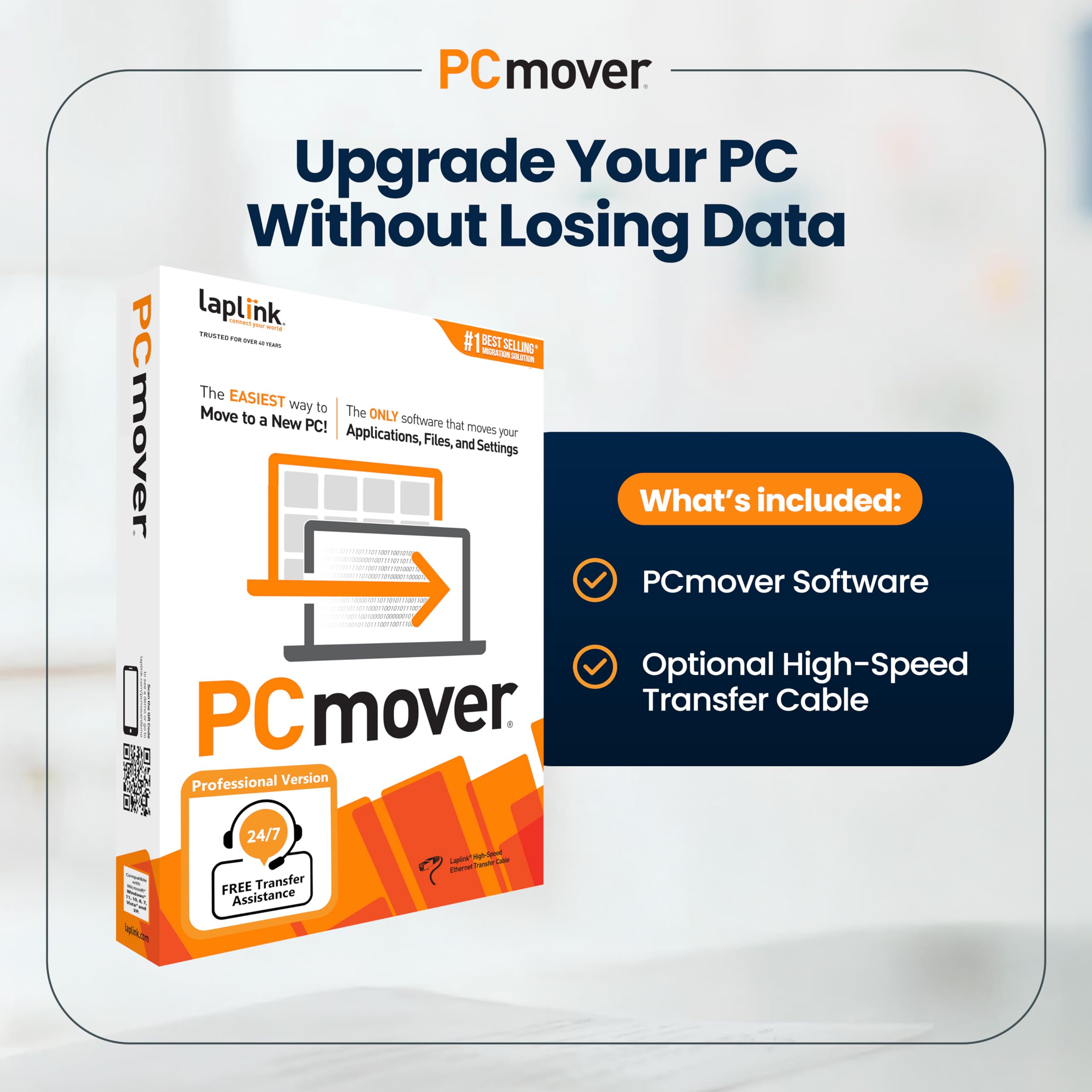

🚀 Upgrade Your PC Like a Pro—No Data Left Behind!
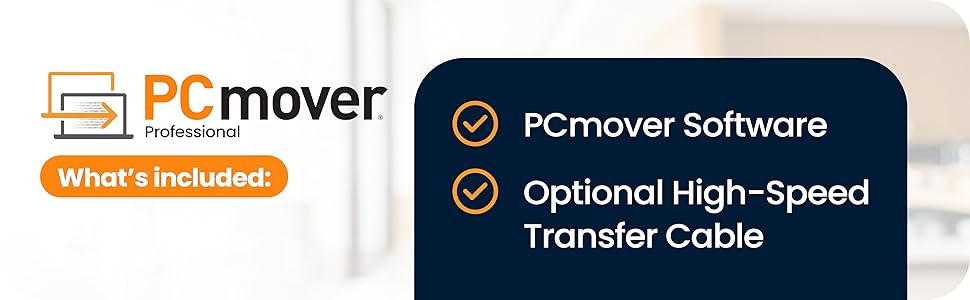
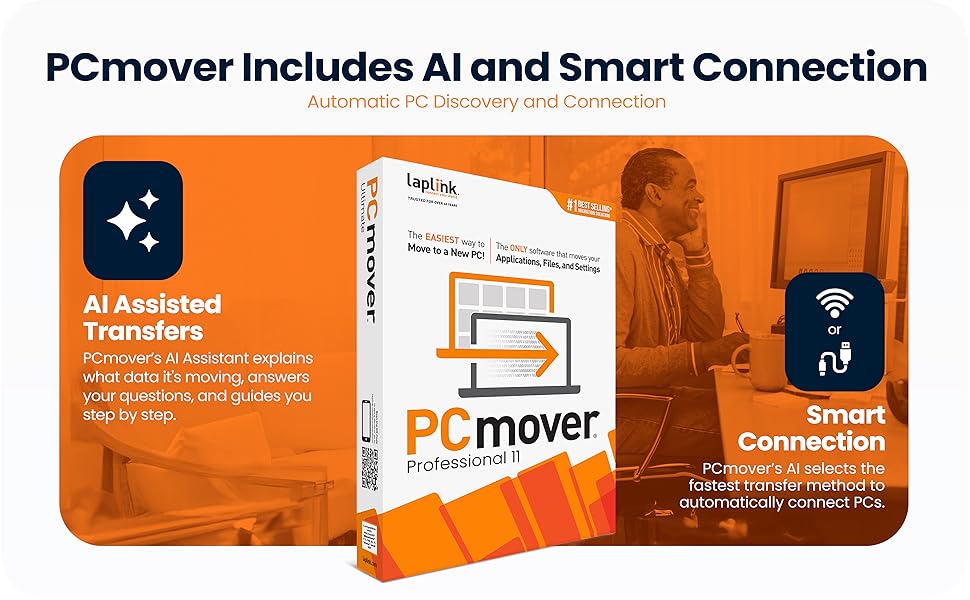
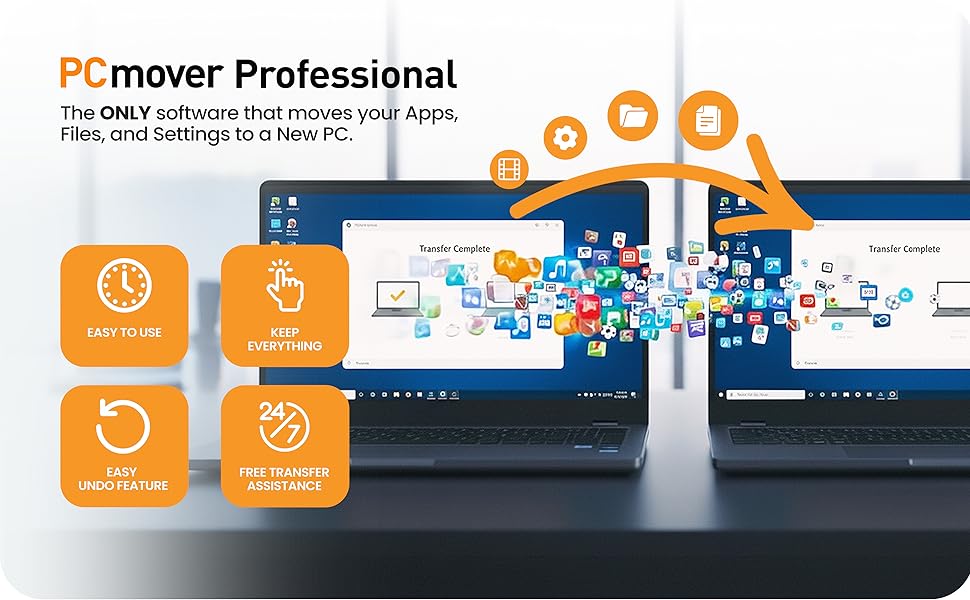
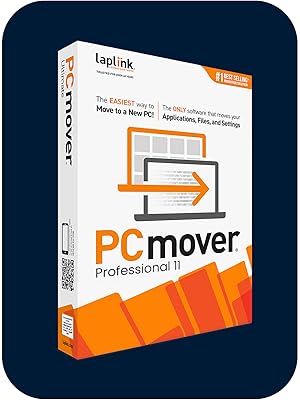
PCmover Professional 11 Ethernet Edition by Laplink is the ultimate PC migration software designed for seamless, fast, and reliable transfers of applications, files, settings, and user profiles across all major Windows versions. Featuring AI-assisted transfer guidance, Wi-Fi Direct connectivity, and selective transfer controls with an undo option, it empowers users to upgrade PCs effortlessly while preserving their personalized environments. Backed by unlimited retries per license and 24/7 expert support, it’s trusted by professionals to save hours of manual setup and eliminate data loss risks.







| ASIN | B07CT3TVNT |
| Best Sellers Rank | 39 in Software ( See Top 100 in Software ) 1 in System Utilities |
| Customer reviews | 3.8 3.8 out of 5 stars (545) |
| Is discontinued by manufacturer | No |
| Manufacturer | Laplink Europe Ltd |
| Manufacturer reference | PAFGPCMP0B000P0RTPML |
| Product Dimensions | 13.34 x 3.18 x 19.05 cm; 100 g |
O**D
Best way to move an user environment to a new PC - IMO
Having Used Laplink at work (many many years ago) to image PCs as we installed them I felt I could trust the software to move a Windows 10 environment to a new Windows 11 PC. There were many games (both online and local disc) to be moved so I expected a lot of work post transfer. I was pleasantly suprised when most of them transfered with only a login required to get the game up and running again. MS Office transfered without a complaint as did all other 'productivity' progs. The instructions for use, both the online guides and the program as it ran, were easy to follow. I must admit that I expected a more complicated process with more manual intervention but I was delighted when just letting it 'do its thing' produced such excellent results. This may seem expensive but it saved me hours of work and eliminated any human error. I wholeheartedly reccomend Laplink PC Mover!
F**E
Successful, excellent support, read the instructions
My third successful 'Windows PC to Windows PC' transfer using this product for over 10 years. First from an Windows XP to Windows 7 PC, then to a Windows 10 PC and now another desktop upgrade using this latest version, PCMover 11 . Around 3 - 6 years between each hardware upgrade. As with previous transfers, PCMover does a good job moving your apps and user accounts overall and this saves a lot of time if you are the kind of person who likes your PC set up in a particular way. The more complex your setup, the more you will benefit from this software. If you have older Apps that are no longer well supported online or no longer have the installation discs like Quicken 2000, Logitech Media Server with third party plugins, this method of transfer will keep you functioning effectively whenever you need to upgrade your hardware. For me, this transfer was particularly easy as many apps like MS Office 2016 now also have perpetual licences so are easy to authorise/verify on the new device after the transfer. I learnt from previous PCMover transfers that Antivirus programs like McAfee can cause issues. So I did a full uninstall (including use of the MCPR tool) on the target PC which was bundled with a trial version before starting. There was no need to uninstall on the source PC as the software defaults to not attempting to transfer this app. The online chat service was very prompt and helpful in sorting out any questions or ambiguities of the choices available on setting up the transfer. A flexible option to be aware of (if you have the time and inclination) is that you can opt to transfer parts of your system at a time as the single use licence allows for unlimited attempts between the same source and destination PCs. Be prepared to leave some time after the transfer to check all is well or tweak the options to make use of any hardware advances that your new hardware offers. On this occasion, my source PC had its User folders on the D:Data drive, but the new target PC has a much larger and faster C:drive which was perfect as PC Mover defaults to putting the Users on the C: drive. I just had to make sure that the rest of the User data was also on the C: drive. Whilst I found that some software 'bugs' were ironed out by this method of transfer (specifically, issues realted to MS Windows, as your system will be based on the latest version of Windows with your new PC), other 'bugs' or issues that relate to other third party apps like Apple might continue to be present on the target PC and have been 'transferred over' too. These may need uninstall and reinstall to resolve. The 2 TB size move was completed in half a day and any minor software tweaks over the following day. Overall a major time saver for me, allowing me time to write this review!
S**5
Quick delivery good price but poor for transferring all files.
Don’t believe that they transfer all files etc. some parts are very good but the most do not get transferred to a new PC.
M**D
Software Ok. don't bother with Boxed version just download
Software does pretty much what its says, Some programs didn't move such as MS Office/Outlook but once reinstalled all of the emails and setting where already there. What you get in the box is less useful. The CD is out of date so once installed the first thing you need to do is go online and update the software on both machines, so you may as well download in the first place. Also in the box is an Ethernet cable (null modem) so you can connect both machines without a switch or router, if you are using this on laptops with WiFi it is fine, however if you use your ethernet port for internet it is much less use as you have to have an internet connection to 1) Update the software 2) Validate the licence. (validation can be done on any internet connected device but involves typing long licence numbers and validation codes). Software 9/10, CD and cable 3/10
S**U
Le meilleur logiciel pour transférer les fichiers et surtout les applications d'un ancien ordinateur vers un nouveau que je viens d'acquérir. Utilisation facile et service client très efficace en cas de besoin. Je suis satisfait et recommande cette solution avec son câble de transfert
C**S
Professional and easy to use
G**N
Ich bin von PCmover begeistert. Es wurden alle Daten mit ihren Strukturen übertragen. Sogar die Einteilung der Festplatte wurde identisch übernommen. Dies war jedoch nicht alles, was noch viel wichtiger war es wurden alle meine Programme (ca.12 Stck) übertragen und waren danach bis auf 1 Programm, sofort lauffähig. Nachdem der Schlüssel hierfür neu eingegeben wurde funktionierte das Programm auch fehlerfrei. Ein super Programm ich kann es nur empfehlen, die Investition macht sich mehrfach bezahlt. Ich möchte mich auf diesem Wege auch für die fehlerfreie Abwicklung bedanken !!! Mfg Georg Schönleben
R**E
Transfer process was good, but got User IDs mixed up, and user data files
R**O
Prodotto molto semplice da usare è talmente intuitivo che non serve nemmeno leggere la Guida. Ho usato PCmover per passare dal mio vecchio PC a uno nuovo. Il prodotto ha varie opzioni per fare questo trasferimento, siccome diverse cose esistenti sul vecchio PC non mi servivano più ho scelto di indicare io cosa volevo trasferire. Una delle altre opzioni prevede di trasferire l'intero contenuto del disco sul nuovo. Quando il trasferimento è finito ho avuto il piacere di trovare sul nuovo tutto quello che mi serviva, app. files, account utente e tutte le mail. In passato avevo fatto tutto questo manualmente e ricordo di aver speso una enorme quantità di tempo per trasferire files, reinstallare applicazioni e facendo diversi errori. Questa volta è bastato spuntare un elenco creato da PCmover e tutto è stato fatto senza perdita di tempo, tribolazioni varie, re-installazioni di app ed errori. Grazie Laplink. Vivamente consigliato.
Trustpilot
1 month ago
5 days ago